Event-Driven JavaScript
Making HTML elements do stuff!
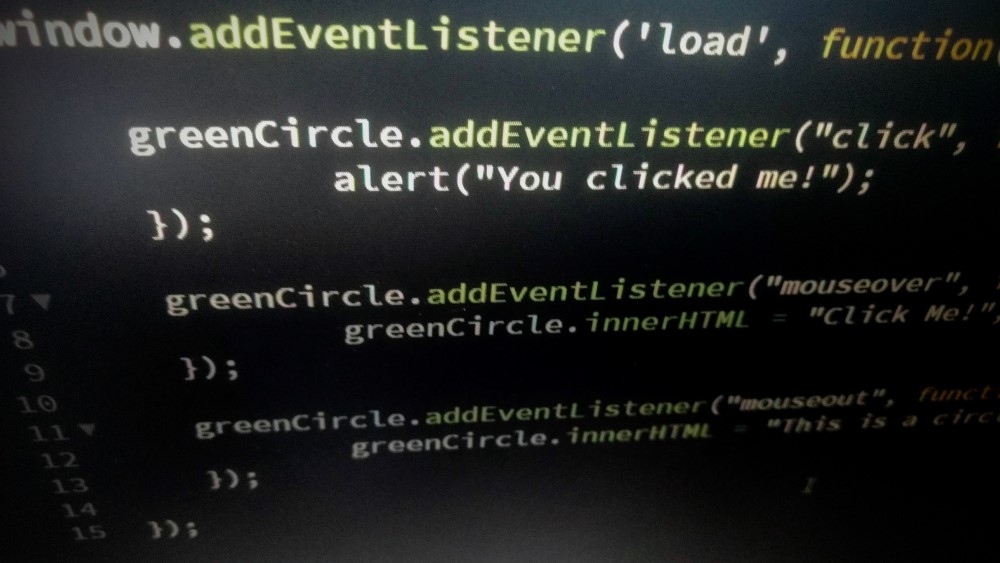
What is Event-Driven JavaScript?
As Niall Kader, Web Programming instructor at Western Technical College, would say:
"Event driven programming in JavaScript allows us to invoke a function when a certain event occurs. An event might be when a user clicks a button, or when the page has finished loading. There are many events that we can 'hook into' (meaning that we can set up functions to be called/invoked when events occur)."
Examples of Common Events

Find more at: W3Schools HTML DOM Events
Let's try a couple!
-
There are a lot of ways to use events in JavaScript to do some really cool things! I'm going to show you an example with the following events:
- onclick
- mouseover
- mouseout
Setting up the HTML & CSS
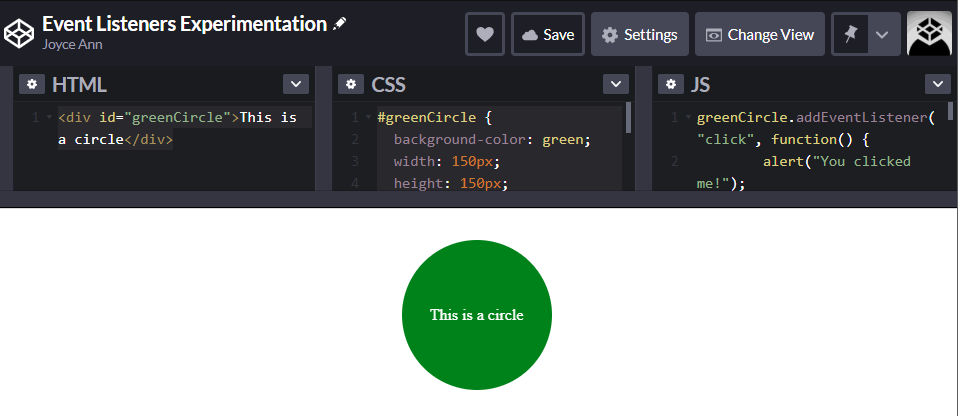
Move your mouse across the circle and click on it to see what it does. This is what we will be making!
This circle is just a simple div that I have given an id of greenCircle and styled a bit with CSS. Here's the code:
<div id="greenCircle">This is a circle</div>

#greenCircle {
  background-color: green;
  width: 150px;
  height: 150px;
  border-radius: 100%;
  margin: 2em auto;
  color: white;
  line-height: 150px;
  text-align: center;
}
onclick
Here we are adding an event listener to specify the "id" of our element, event, and function (what we want to happen once the event has happened). In this case, I want the browser to alert "You clicked me!" when the circle gets clicked.
greenCircle.addEventListener("click", function(){
   alert("You clicked me!");
});
onmouseover & onmouseout
For these event listeners, we are changing the event we are looking for as well as what the function does when the event occurs. In the first code sample, we are looking for the user to "mouseover" the circle. When that happens, we executing the function to change the contents of the circle's HTML element to "Click Me!".
greenCircle.addEventListener("mouseover", function() {
        greenCircle.innerHTML = "Click Me!";
});
The following code sample does a similar action, except it changes the contents back to what the element originally contained when the user moves their mouse outside of the circle.
greenCircle.addEventListener("mouseout", function() {
        greenCircle.innerHTML = "This is a circle";
});
Try it yourself!
Play with the code yourself! I have created this code on CodePen.io, which is a website that allows you to try out code right in your web browser.
Thanks for reading!
I hope this post has gotten you excited to play around with using events in JavaScript! Special thanks to Niall Kader for teaching me the basics of JavaScript!
Back to Blog